ORION / Vision AI lifecycle platform
Build vision models
for your mission.
Prepare and generate data, test vision models and VLMs, and automate fine-tuning.
Operational Readiness through Intelligent Optimization
ONE MISSION. EVERY CONDITION.
One example, start to finish
Follow one model through ORION.
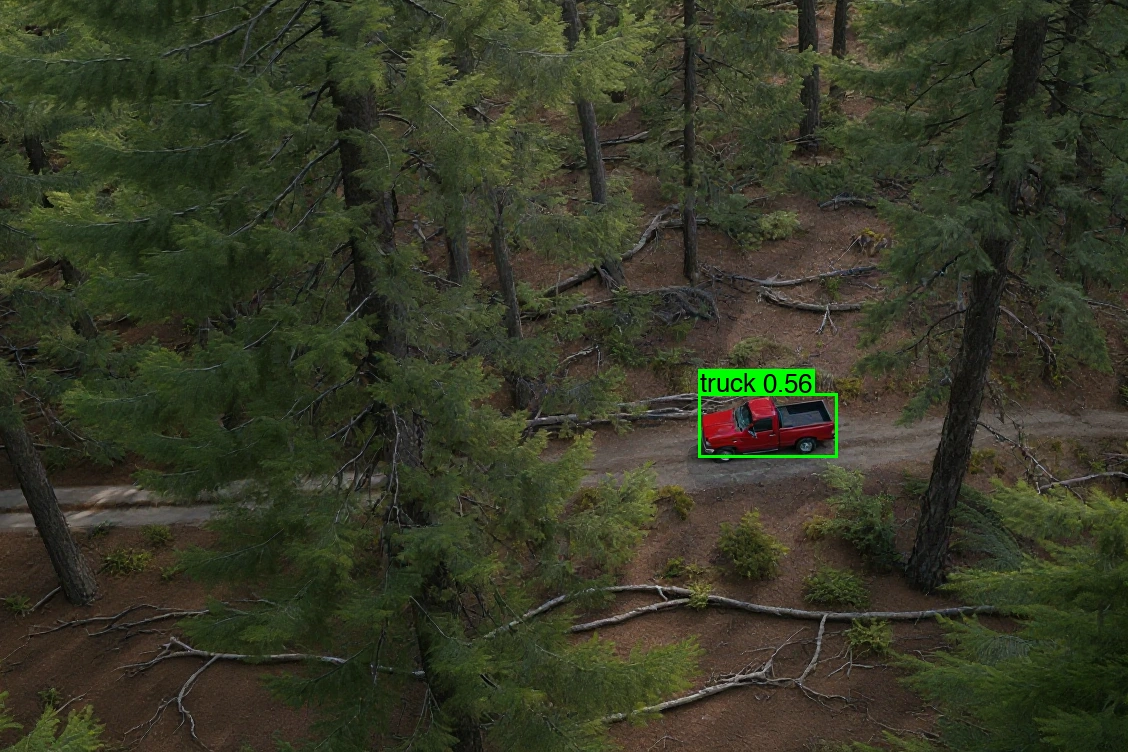
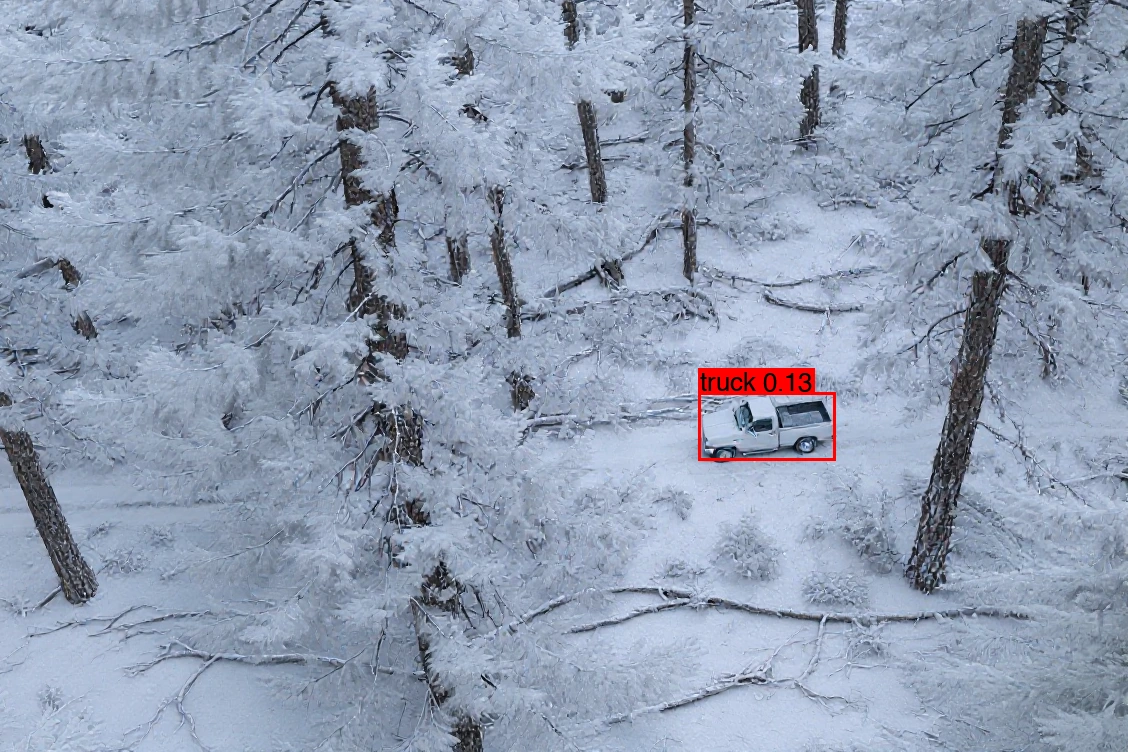
A drone camera has to find a truck in a forest. The detector works on a clear day. Here is how ORION takes it from one clear-day image to a model that still finds the truck in snow.
- 01 · DataStart with what you have.One clear-day image of the target, with its label. Bring your own images or a public dataset.
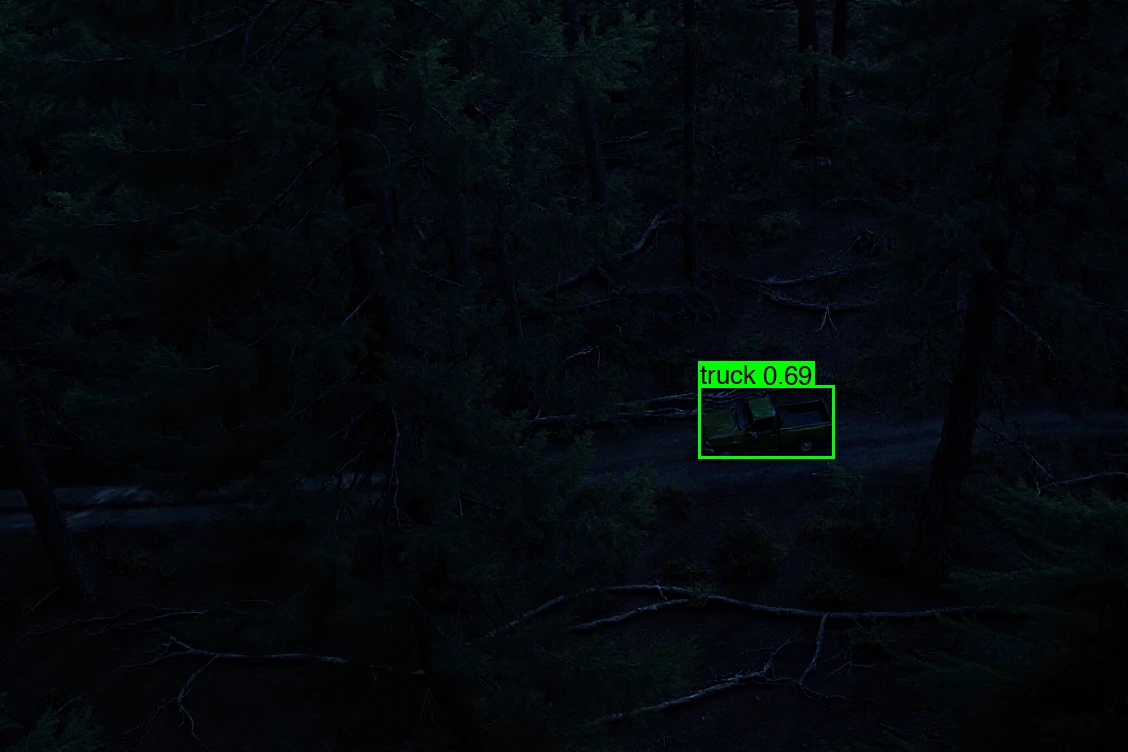
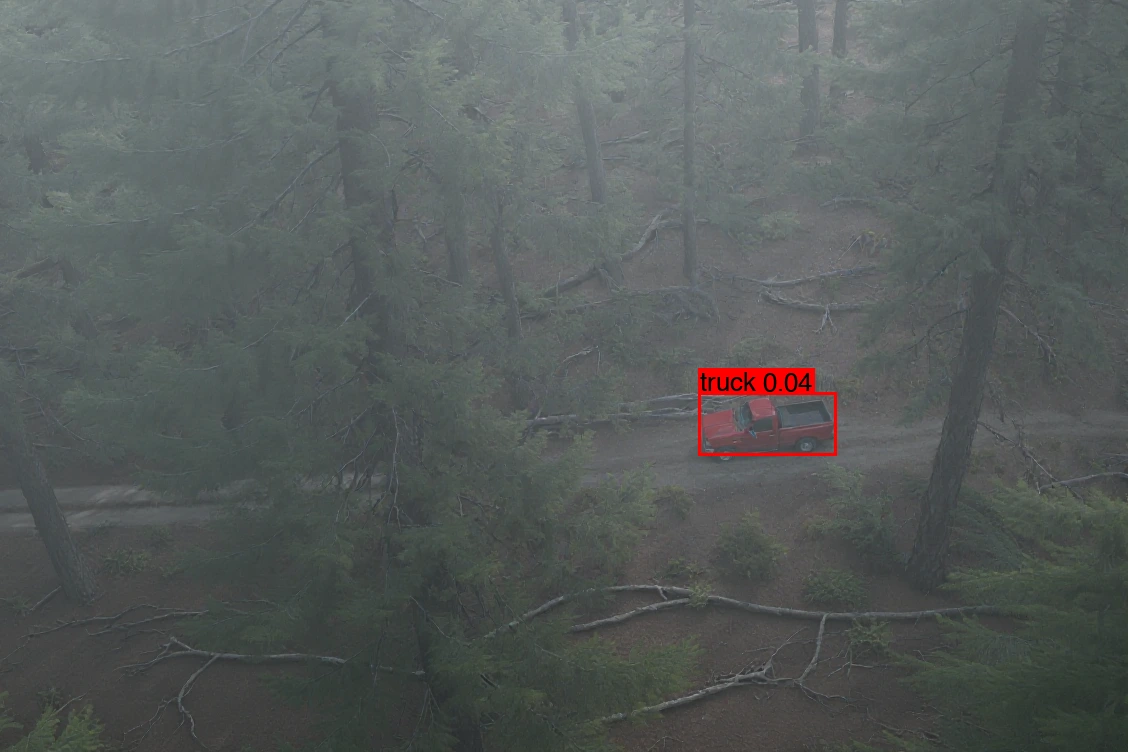
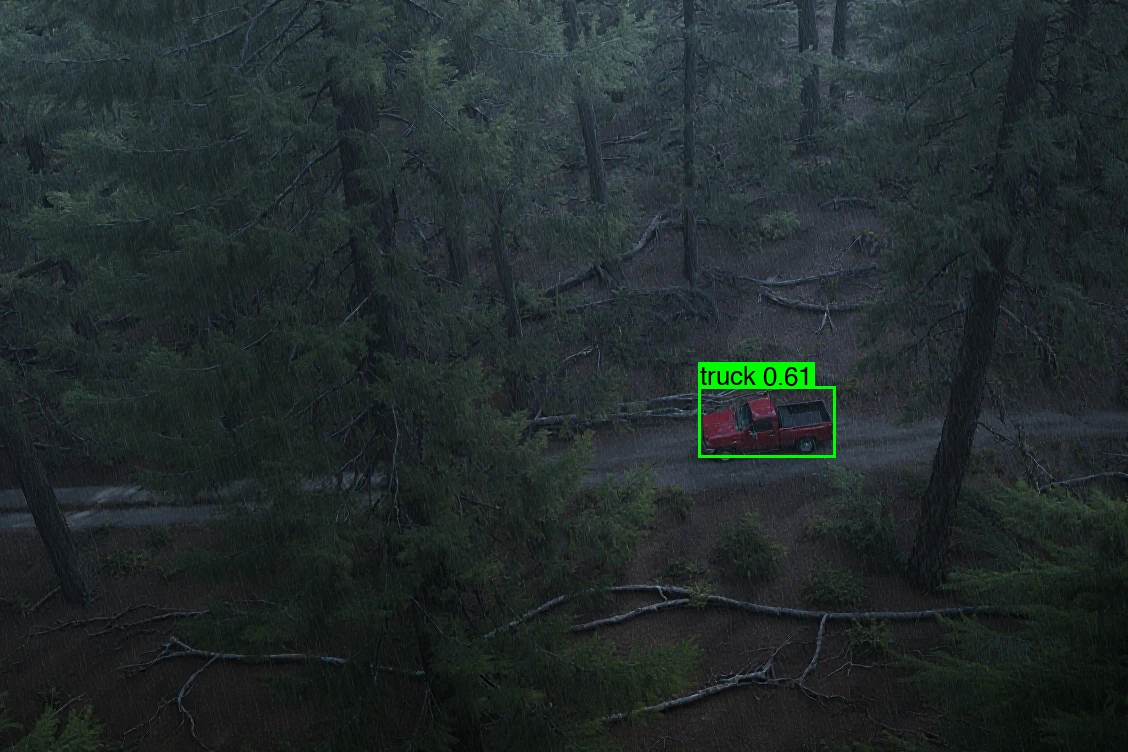
- 02 · GenerateCreate the conditions you're missing.ORION's Data Engine renders the same scene in fog, night, rain and snow. Labels carry over.
- 03 · TestFind where the model fails.Run your detector on every condition. It misses the truck in fog and in snow.
- 04 · AdaptFix the failure.Generate more snow scenes and fine-tune the model automatically, with agentic training.
- 05 · RetestConfirm it works.The adapted model finds the truck in snow. Repeat for fog, night or a new target.
truckyour label
Your data · 1 image · clear day
 trucklabel carried over
> same scene, clear day
Generated with ORION Data Engine
Detected0.56Missed0.04Detected0.69Detected0.61Missed0.13
trucklabel carried over
> same scene, clear day
Generated with ORION Data Engine
Detected0.56Missed0.04Detected0.69Detected0.61Missed0.13More snow scenes with the truck, labeled automatically.
- Train
- Evaluate
- Refine
An AI agent runs the training loop and keeps the best version.
Missed0.13Detectedafter fine-tuningThe same loop works for other targets and sensors. See it with thermal video for counter-UAS and sensor adaptation. Every step is also available through the APEX API.
Next: test the whole autonomy stack with ATLAS →Let’s put ORION to work
Bring us your mission.
We’ll show you the workflow.
Walk through your data, model, and operational challenge with the team building ORION and ATLAS.